Installing the Chrome Extension
Required for live screen recording with Start Fresh.
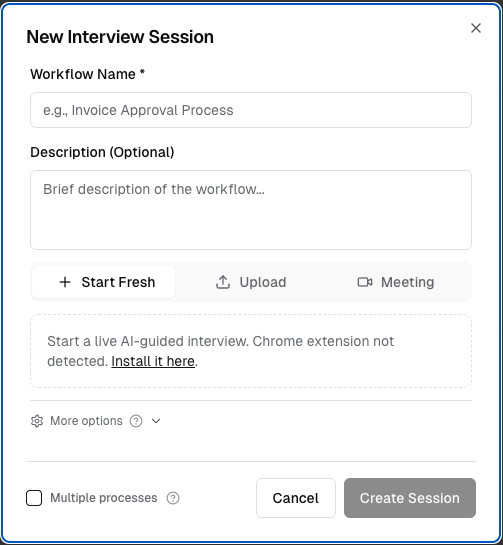
The Chrome extension is required for live screen recording. If it is not already installed, you will see a prompt when you open a session.
1
When prompted, click the "Install it here" link in the session.
2
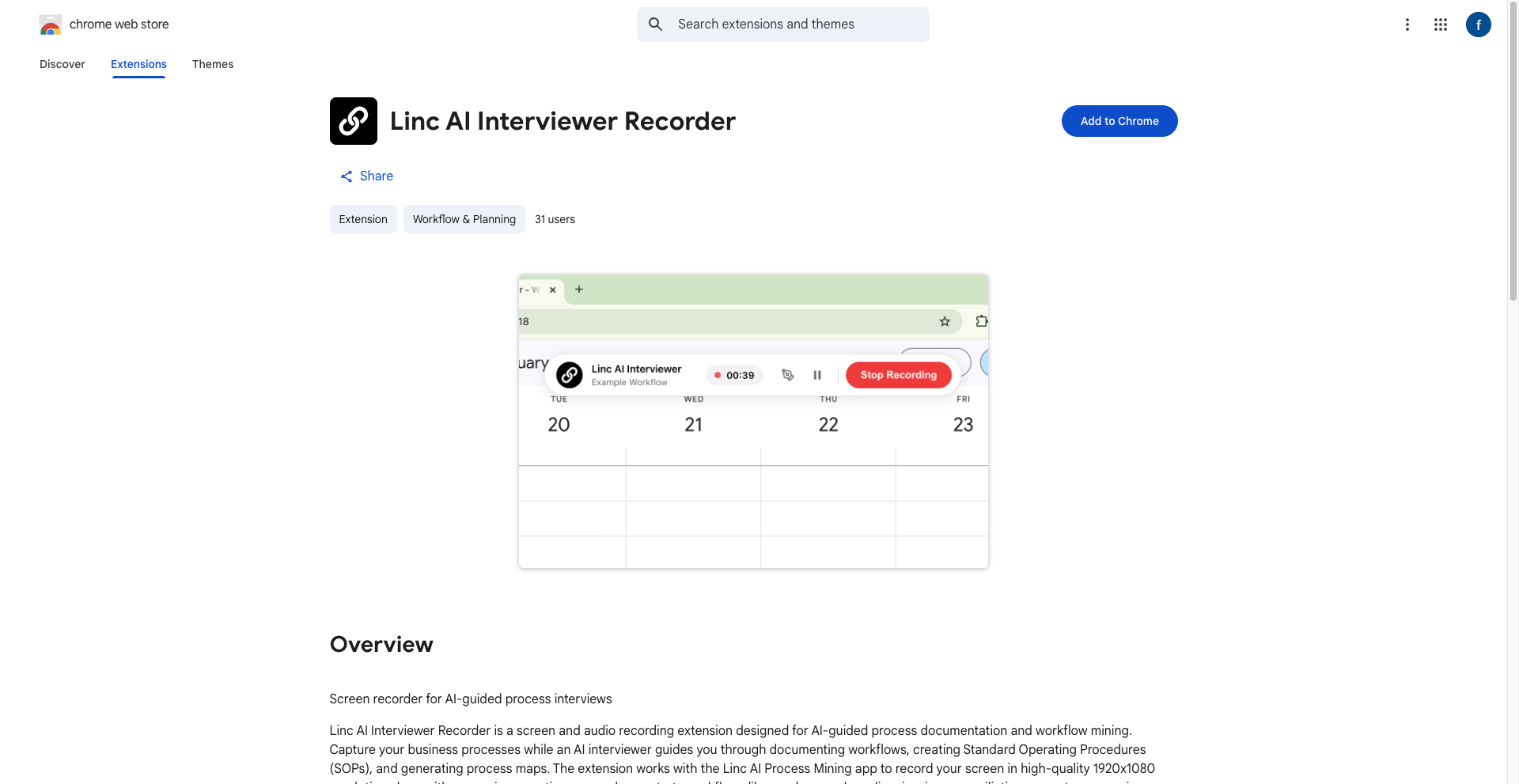
Click Add to Chrome in the Chrome Web Store, then Add Extension.
3
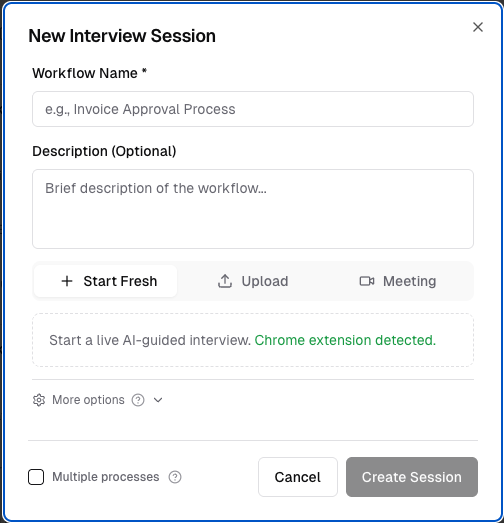
Refresh the page. The session should now show "Chrome extension detected."
Important
You may need to refresh the page more than once after installing the extension. If it still does not detect, try closing and reopening the browser tab.