Finish the interview and trigger deliverable generation.
Once the AI has covered all categories, or you feel everything important has been captured, you need to explicitly finish the interview to trigger deliverable generation.
1
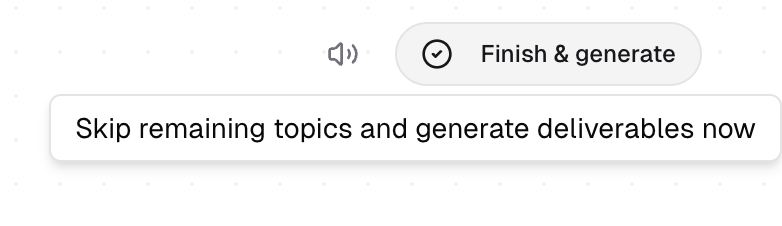
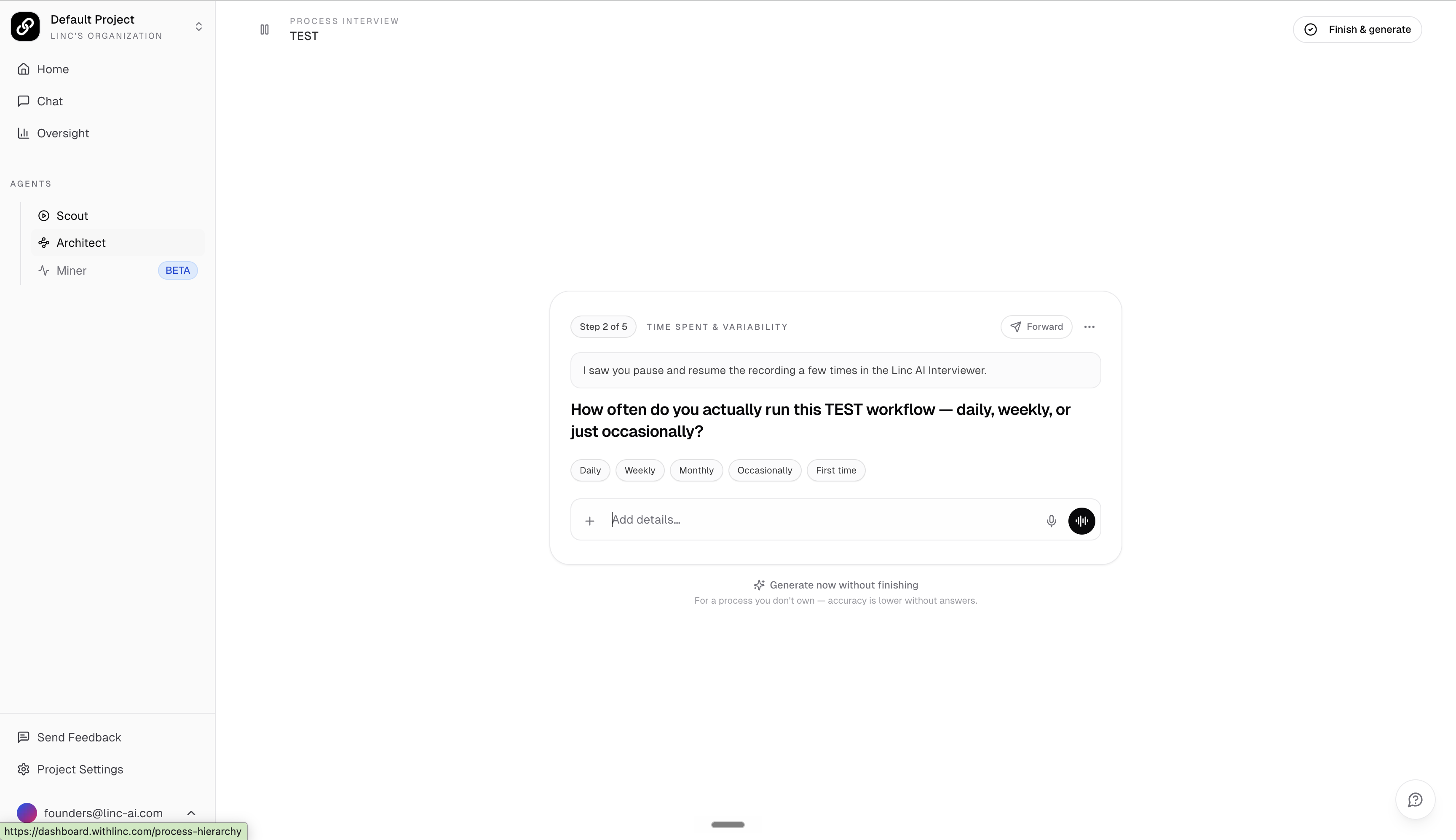
Option A — Finish & Generate (recommended shortcut): Click the "Finish & generate" button in the top-right corner of the interview header at any time. This immediately skips remaining topics and triggers deliverable generation.
The "Finish & generate" button in the top-right lets you skip remaining topics and generate deliverables now.
2
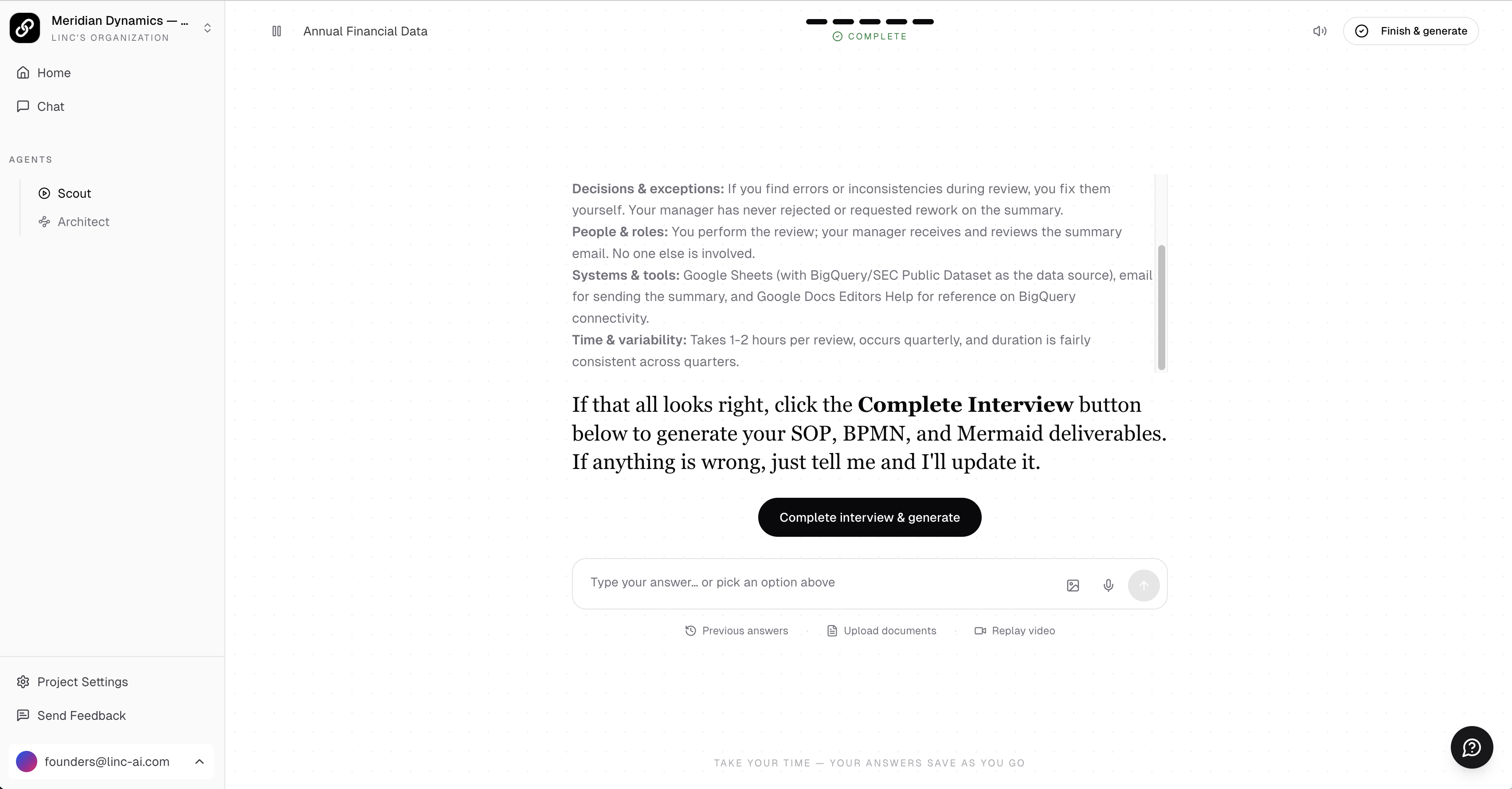
Option B: Answer all 8 categories. When complete, a "Complete Interview" button will appear at the bottom of the chat.
3
Option C: If you want to finish early via chat, type "end the interview" in the chat. The AI will wrap up and present the Complete Interview button.
Tip
Use Finish & generate when you have already covered the most important aspects of the workflow. The AI will use whatever context has been captured so far — you do not need to answer every category for a useful result.
Completed interview with all categories filled, the AI's final summary, and the "Complete interview & generate" button.
Important
You must click the "Complete Interview" button for deliverables to generate. Simply chatting with the AI or closing the browser will not trigger generation. Deliverable generation typically takes 5–20 minutes depending on workflow complexity. You will receive an email when your outputs are ready.
What Happens Next
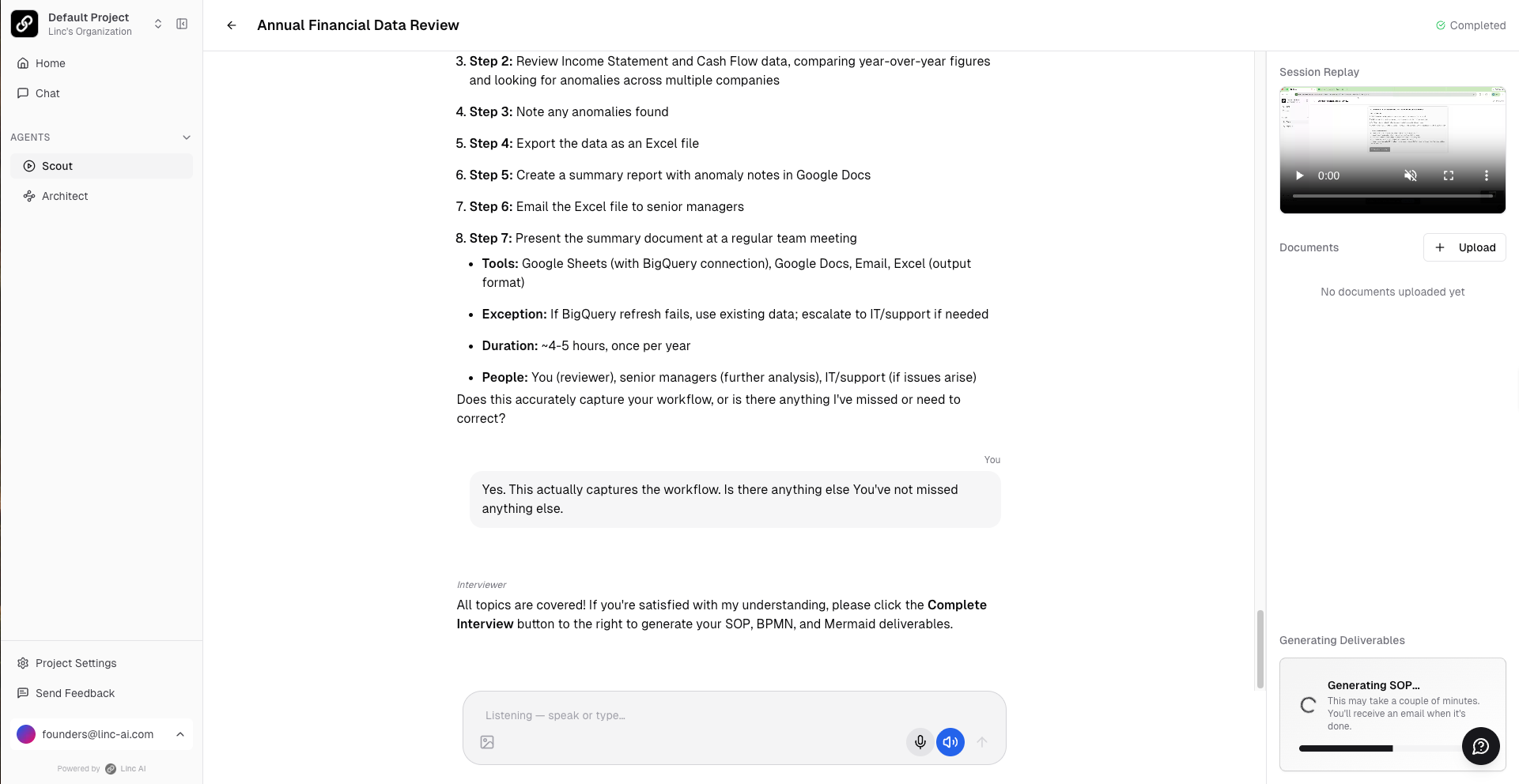
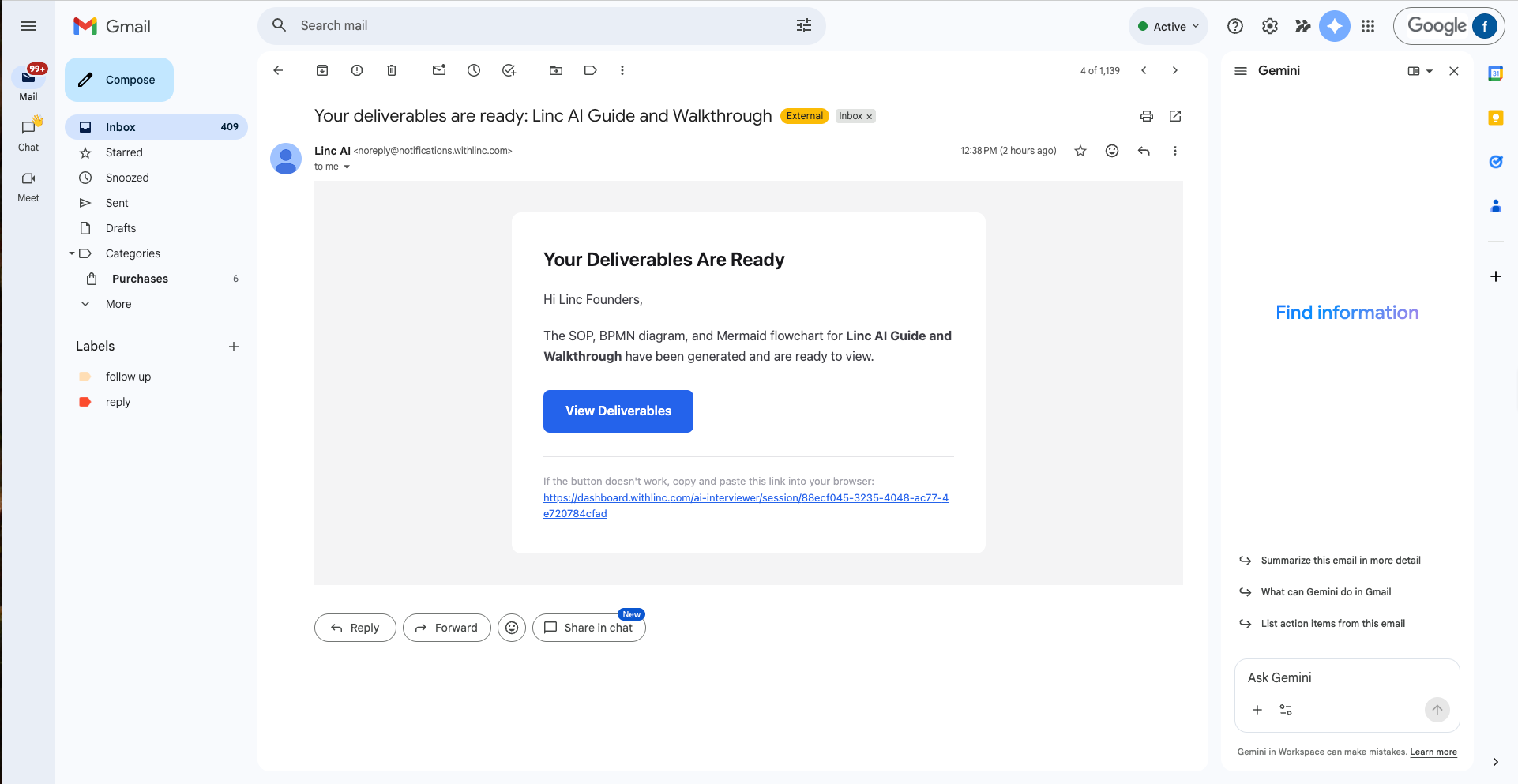
After clicking Complete Interview, the platform begins generating your deliverables. You can close the browser and come back later — you will receive an email notification when everything is ready. For longer or more complex workflows, generation may take up to 20 minutes.
Deliverable generation in progress after completing the interview.
If generation appears stuck for more than 1–2 hours, or shows an error, click the Regenerate button to retry. If that does not resolve it, contact support.
Email notification confirming deliverables are ready to review.
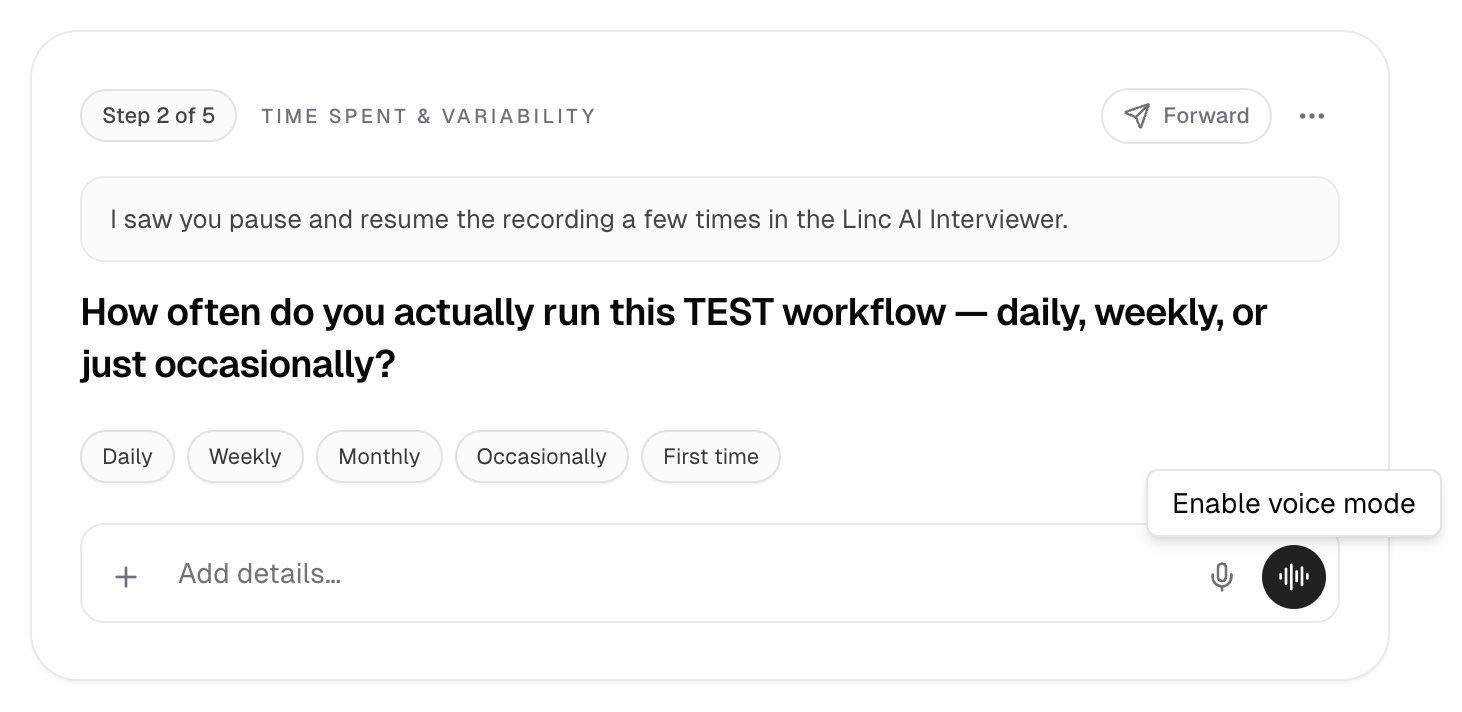
Forwarding a Question to the Process Owner
If a question is really for someone else (the person who actually owns the process), you do not have to answer it yourself. During the interview you can forward a question to that person so they answer it asynchronously.
1
On a question, open Forward questions to a process owner. The question you clicked is pre-selected.
2
Enter the recipient (type an email or pick a project member). The recipient must belong to your organization, since they sign in to answer.
3
Select any interview questions to forward, add your own questions or a note, and optionally attach reference documents from the session.
4
Choose whether to require review (you approve answers before they join the interview) or let answers fold in automatically when the recipient finishes.
Tip
Forwarded questions queue up per person and send automatically when you complete the interview. You stay the owner of the session.
Forwarding an interview question to the process owner.
Generate Now (When Enabled)
For some sessions, an optional "Generate now without finishing" action is available. It lets you skip the remaining questions and generate deliverables immediately. This is an escape hatch for mapping a process you do not own and cannot get every follow-up answered.
This action is admin-controlled and is not always shown. Admins enable it per invitation, so it may be unavailable in your session.
Important
Generating early uses only the context captured so far, so accuracy is lower. Completing the full interview yields better results, so use this only when you genuinely cannot finish.
Optional generate-now action to skip remaining questions.