SOP Template Customization
Customize the structure and branding of generated SOPs.
Customize the structure and branding of all generated SOPs to match your organization's documentation standards.
1
Go to Org Settings (bottom of the left sidebar) → scroll to SOP Template.
2
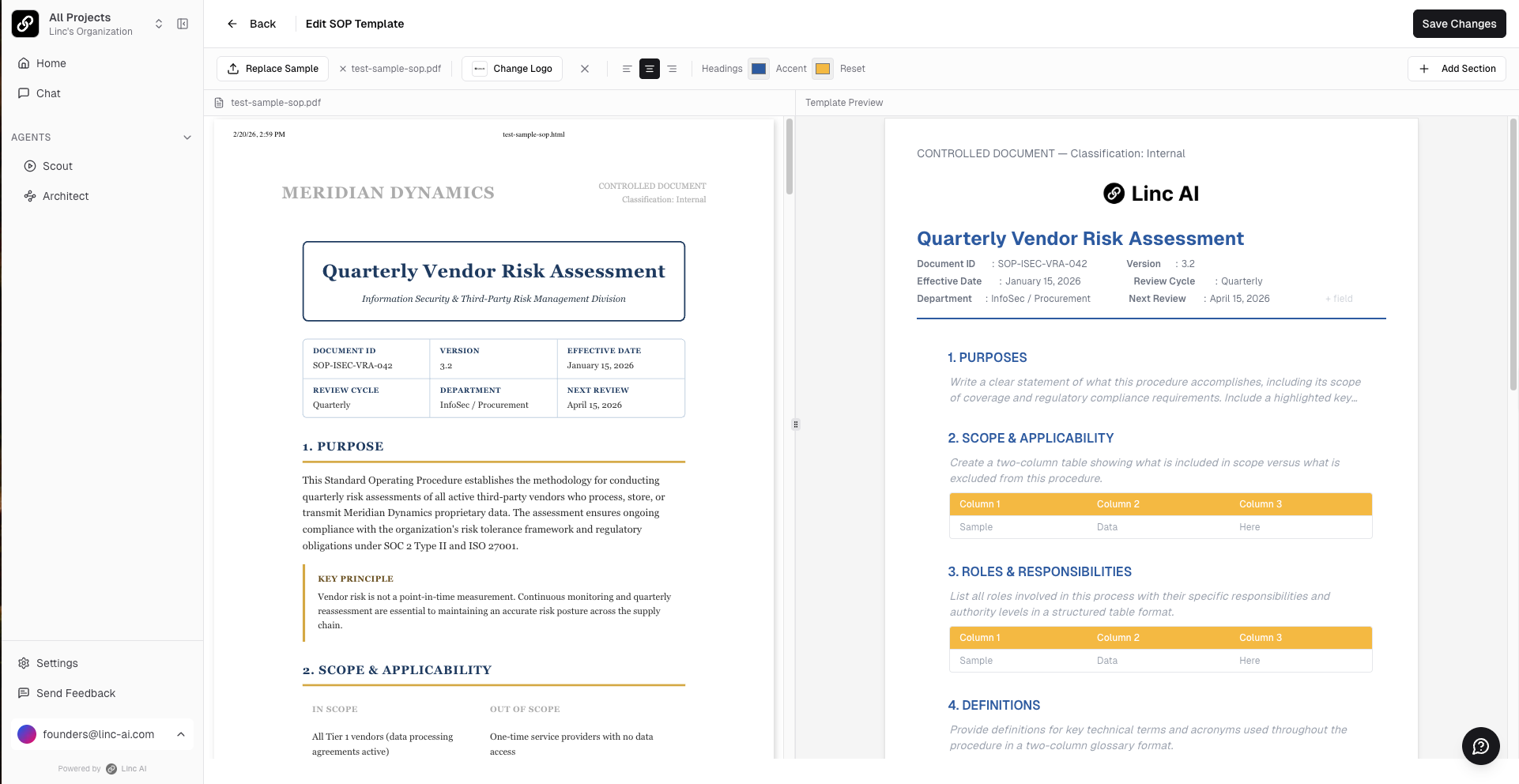
Click Edit Template to open the customization interface.
3
Upload a sample SOP (optional) — the AI will analyze your existing template and match its style, formatting, and section structure.
4
Customize branding: upload your company logo, set heading colors and accent colors.
5
Configure sections: enable or disable default sections, edit section titles, and modify the AI instructions that control what content is generated for each section.
6
Click Save Changes. All future SOPs will follow this template.
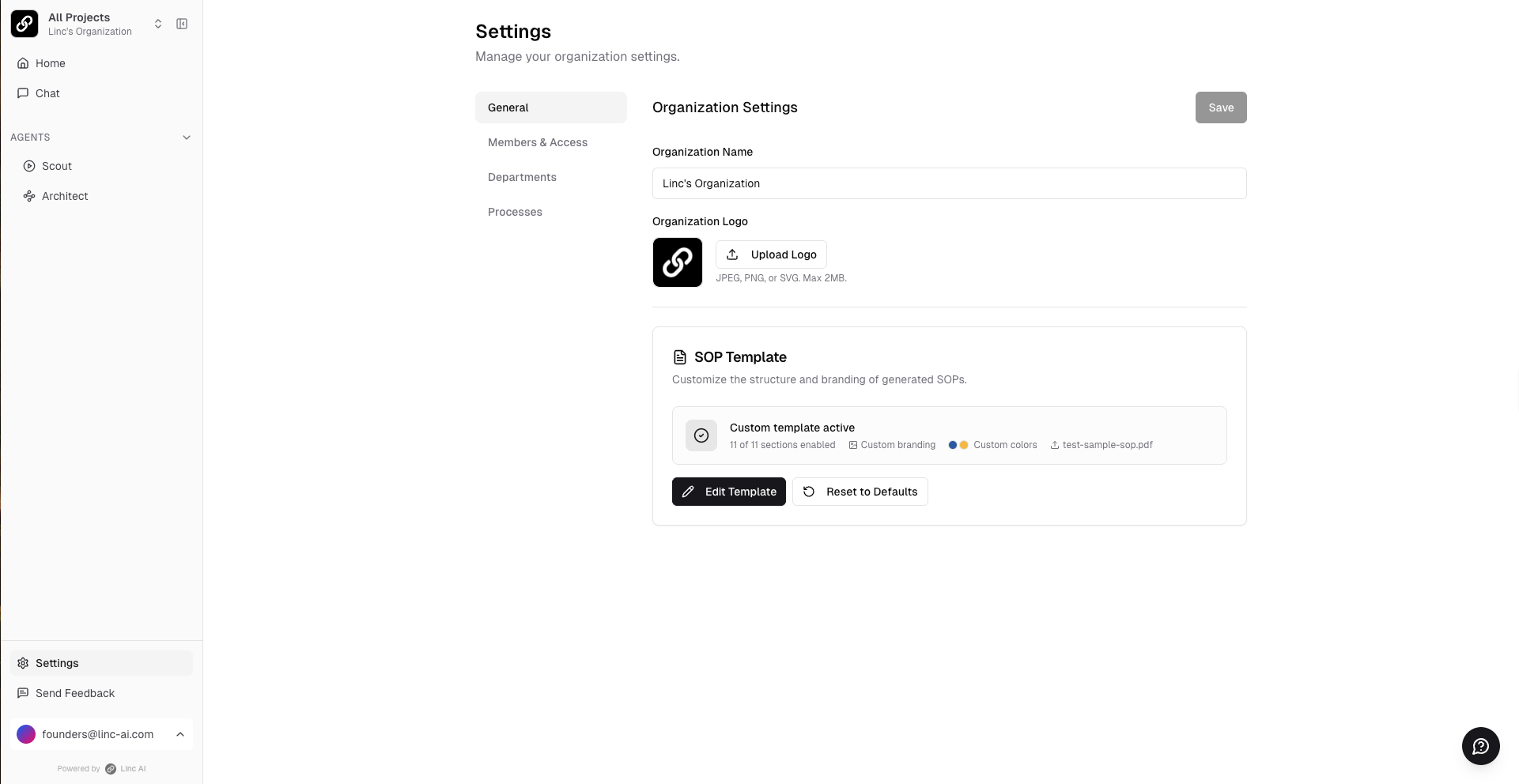
You can also configure your organization name and logo under Org Settings → General. This logo will appear in the top-left corner of the platform for all users in your organization.